



Description
Download Adblock Browser Beta – Block ads, browse faster APK
Overview
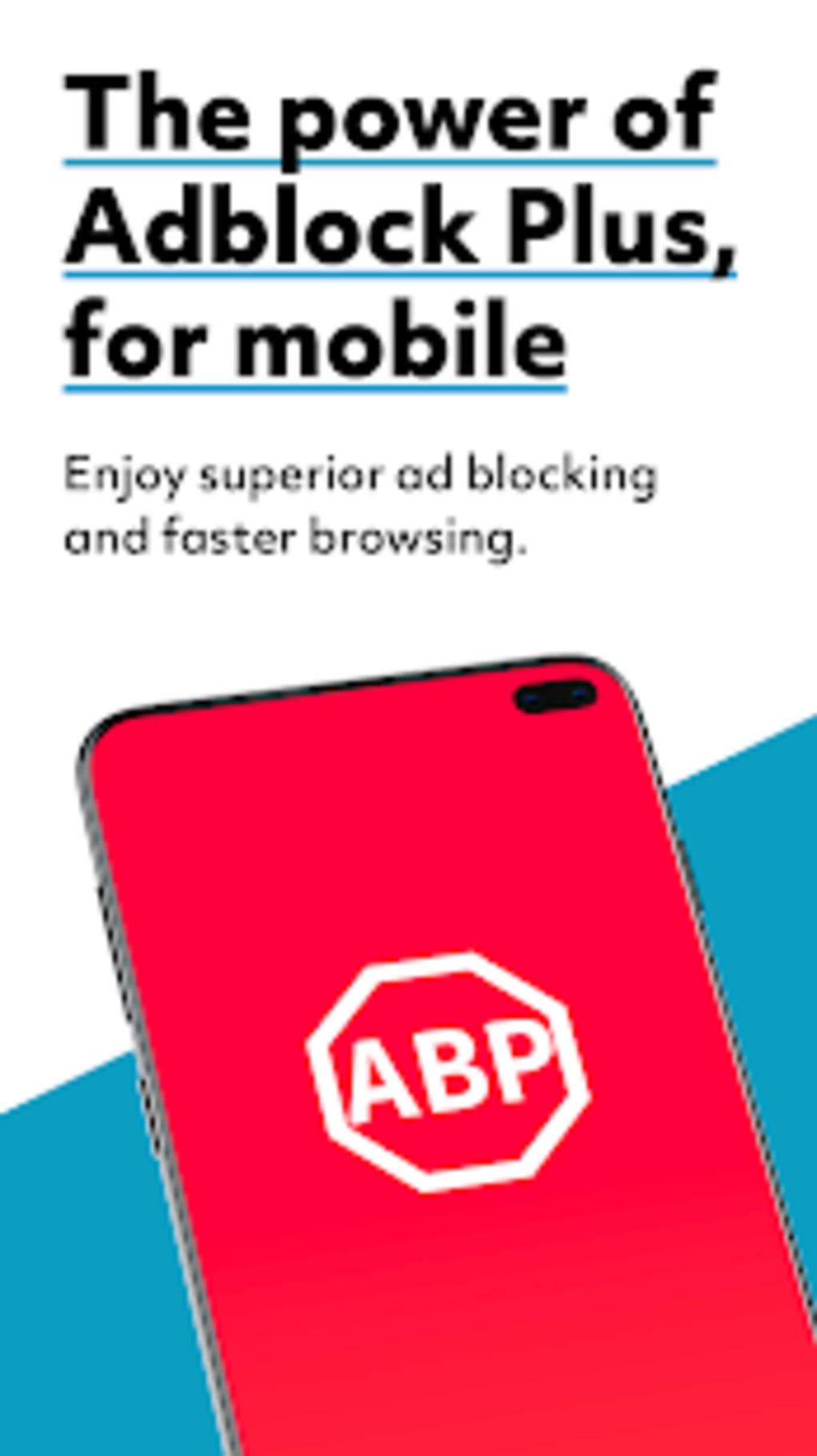
The Adblock Browser Beta is a free Android application developed by eyeo GmbH, designed to deliver a cleaner, faster, and more secure web browsing experience. Built on the Chromium framework, the app integrates AdBlock functionality directly into the browser, enabling users to block various types of online advertisements, including pop-ups, banners, and intrusive tracking elements. Its primary purpose is to eliminate visual clutter and reduce page load times by preventing unwanted content from loading, thereby improving overall browsing efficiency. This tool is ideal for individuals seeking a more streamlined and private web experience, particularly those who frequently encounter ads on news sites, social media platforms, and video content. The beta version indicates that the software is still under active development and refinement, with the developer actively seeking user feedback to enhance stability, performance, and compatibility across diverse Android devices. Real-world usage scenarios include everyday browsing, content consumption, and online research, where users benefit from reduced distractions and faster content rendering. The developer did not provide additional details about the intended professional use cases, but the core functionality suggests broad appeal among general consumers and privacy-conscious users.
Key Features & Capabilities
- Integrated AdBlock Technology – Blocks pop-up ads, banner ads, and other intrusive content in real time, improving page load speed and reducing data usage.
- Chromium-Based Engine – Leverages the widely used Chromium framework, ensuring compatibility with most modern websites and web standards.
- Privacy Protection – Prevents third-party trackers from collecting browsing data, contributing to a safer online experience.
- Lightweight Design – Optimized for performance, aiming to reduce CPU and memory overhead during browsing sessions.
- Beta Testing Participation – Encourages users to install the app and provide feedback to help shape the final product.
These features allow users to browse the web without interruptions from advertisements. For example, when visiting news websites, users can access articles without being distracted by sidebar banners or auto-playing videos. On video platforms, the browser can block pre-roll ads and related content suggestions. The built-in ad-blocking system enhances both speed and privacy, making it suitable for users who value efficiency and data protection. The beta status implies that some features may still be in development, and users are expected to report issues or suggestions to aid in refinement. The developer did not specify advanced customization options or additional privacy tools beyond ad and tracker blocking.
User Interface, Workflow & Performance
The user interface of Adblock Browser Beta is designed to be minimal and intuitive, aligning with modern Android design principles. Navigation is straightforward, with a clean address bar, tab management, and a menu accessible via a simple icon. The layout prioritizes content visibility, reducing visual noise typically caused by ads and tracking scripts. Workflow efficiency is enhanced by the automatic blocking of unwanted content, allowing users to focus on the actual webpage without manual intervention. The browser supports standard browsing actions such as bookmarking, incognito mode, and history management, ensuring a familiar experience for users accustomed to other Android browsers. Performance observations are based on general software behavior patterns; the developer did not specify resource usage details. However, since the app is built on Chromium and optimized for performance, it is expected to maintain smooth operation across mid-range and high-end Android devices. Stability may vary during the beta phase, as the app is still undergoing testing. The developer did not provide information on CPU or RAM behavior under heavy usage, but users are encouraged to report any crashes or lag during extended browsing sessions.
Compatibility & System Requirements
Adblock Browser Beta is available for Android devices, with the specific version and minimum OS requirement not disclosed in the provided information. The app is distributed as an APK file, indicating it is intended for direct installation on Android systems without relying on the Google Play Store. Installation size is not specified, but given its nature as a browser with ad-blocking capabilities, it is expected to be within a typical range for similar applications. The developer did not provide exact system requirements, including RAM, processor, or storage needs. Compatibility information was partially provided, confirming support for Android, but details on supported versions (e.g., Android 8.0 or higher) were not included. Users should ensure their device meets general Android app installation standards. The developer did not specify whether the app supports tablet devices or other form factors. It is recommended to verify device compatibility before installation, especially for older or non-standard Android versions.
Pros and Cons
Pros
- Free to download and use with no in-app purchases
- Built-in ad and tracker blocking for enhanced privacy
- Chromium-based engine ensures broad website compatibility
- Lightweight design aims for efficient performance
- Opportunity to participate in beta testing and influence the final product
Cons
- Version and system requirements not clearly stated
- Performance details under heavy load not provided
- May not support all advanced browser features found in full releases
- APK installation requires enabling unknown sources, which may pose security concerns for some users
- Still in beta, so stability and long-term reliability may vary
FAQ Section
Is Adblock Browser Beta available for iOS?
Currently, the app is only available for Android devices. There is no official iOS version announced.
How do I install the APK file?
Download the APK from the official source, then enable “Install unknown apps” in your device’s settings. Afterward, open the downloaded file and follow the installation prompts.
Is the browser safe to use?
Developed by eyeo GmbH, a reputable company known for ad-blocking technology, the browser is designed with security in mind. However, installing APKs from third-party sources carries inherent risks, so users should only download from trusted sources.
Can I use this browser offline?
Yes, the browser supports offline browsing. You can access previously loaded pages and saved bookmarks without an internet connection.
Will the app receive updates?
As a beta version, the app is expected to receive regular updates based on user feedback and development progress. Users are encouraged to keep the app updated to benefit from improvements and bug fixes.
Final Thoughts
Adblock Browser Beta offers a promising solution for Android users seeking a faster, cleaner, and more private browsing experience. Its integration of AdBlock technology within a Chromium-based framework ensures compatibility with most websites while eliminating intrusive ads and trackers. The free nature of the app, combined with the opportunity to contribute to its development, makes it an attractive option for early adopters and privacy-focused individuals. While the beta status means users may encounter occasional instability or missing features, the core functionality is solid and delivers on its promise of improved browsing. The lack of detailed system requirements and performance data limits full evaluation, but the overall design and purpose are clear. For those who value speed, privacy, and a distraction-free web, this browser is worth trying. Download Adblock Browser Beta now and help shape the future of ad-free browsing.
Guides & Tutorials for Adblock Browser Beta Block ads browse faster APK
How to install Adblock Browser Beta Block ads browse faster APK
- Click the Preview / Download button above.
- Once redirected, accept the terms and click Install.
- Wait for the Adblock Browser Beta Block ads browse faster APK download to finish on your device.
How to use Adblock Browser Beta Block ads browse faster APK
This software is primarily used for its core features described above. Open the app after installation to explore its capabilities.
User Reviews for Adblock Browser Beta Block ads browse faster APK 0
No reviews found





